
Open, switch and leave a profile
What this does
Moves you between logbooks, and back out to the profile selector.
Before you start
- A profile is open. If you’re already looking at the selector, there’s nothing to leave.
- Leaving happens at once, with no confirmation. There’s nothing to lose: your work is saved as you go, and there’s no “save before quitting” moment anywhere in the app.
Steps
- On the dashboard, find your profile card at the top and tap Logout, in red
at its edge.

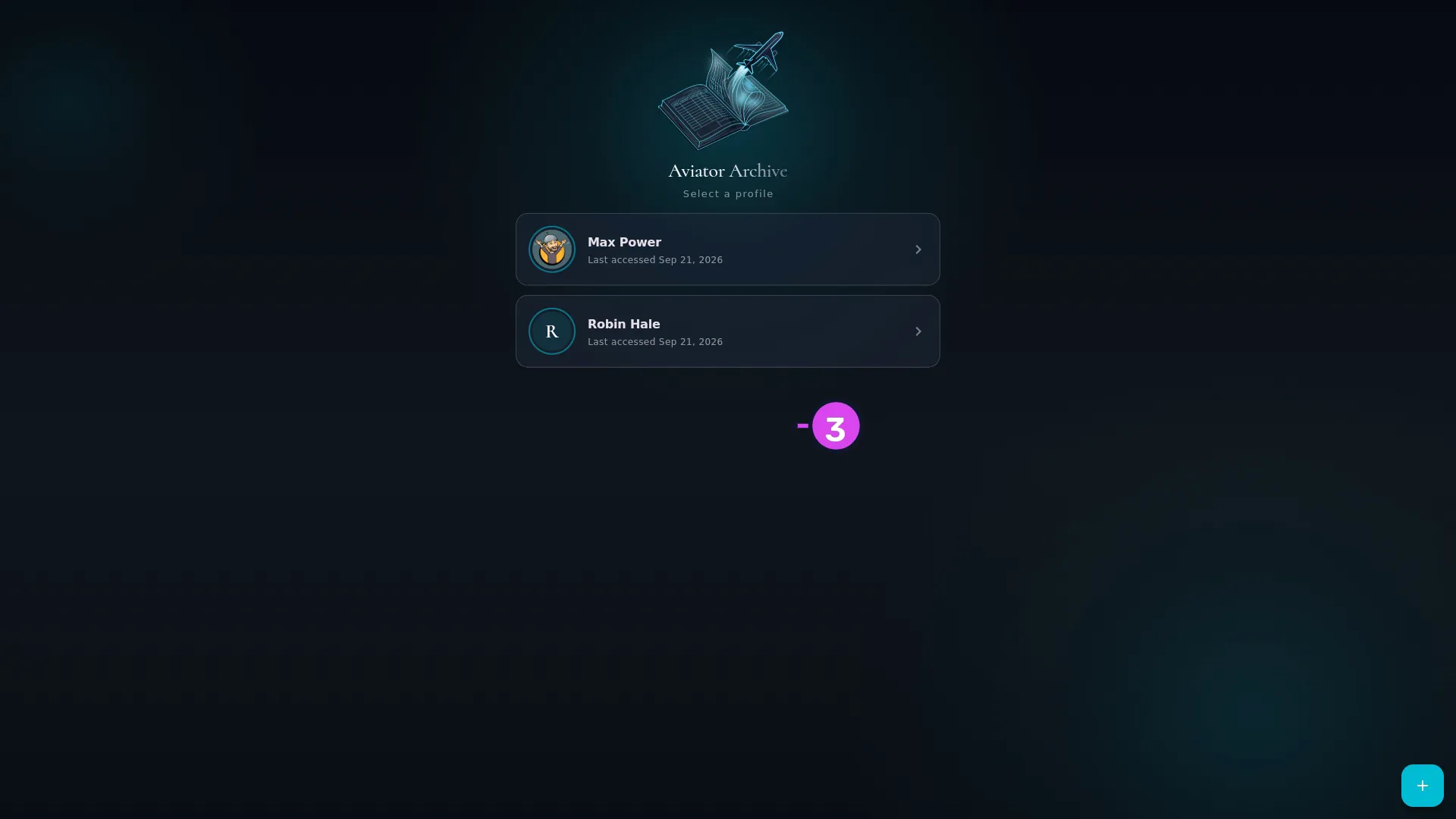
1 Logout — closes the logbook and not the account - Wait for the logbook to close. The profile selector appears.
- Tap another profile’s card to open it. Initializing Database… shows for a
moment while it opens.
How to tell it worked
You’re on Select a profile and the dashboard is gone. Opening the next profile shows Initializing Database… and Preparing your hangar and charting airports., then that logbook’s dashboard.
If something goes wrong
| What you see | Why | What to do |
|---|---|---|
| You’re asked for a PIN when you open the other profile | That profile has one | Type it, or use your fingerprint or face if you’ve enabled them (→ A5, A6) |
| The loading panel sits there for a long time | The first open of a logbook prepares aircraft types, airlines and the airport database | Wait it out. It’s slow once, not every time |
“Logout” does not mean what the word usually means
The button says Logout, but it only closes the logbook. It doesn’t sign you out of anything. Your Google or Apple sign-in stays attached to the profile for recovery and purchases, and is still there when you open the logbook again. Nothing is uploaded, downloaded or ended.
Signing out of the account is a separate control, labelled Sign Out, under ACCOUNT & DATA further down Profile Settings. You want it only if you’re handing the device to somebody else — and it doesn’t lock the logbook. A PIN does that.