
Agree to the Terms and EULA
What this does
Gets you past the one-time agreement screen that stands in front of everything else the app does.
Before you start
- Nothing needs to exist yet. A new installation shows you this screen first, before any profile.
- The three documents open in your web browser, so reading them needs a connection. Agreeing doesn’t.
- You answer this once per device, not once per logbook.
Steps
- On the screen titled Before you start, go through the three-point summary:
your logbook is yours, and CSV and Excel export stay free; currency and
regulatory exports help you check the regulation, not stand in for it; and
liability is limited, with the detail in the EULA.
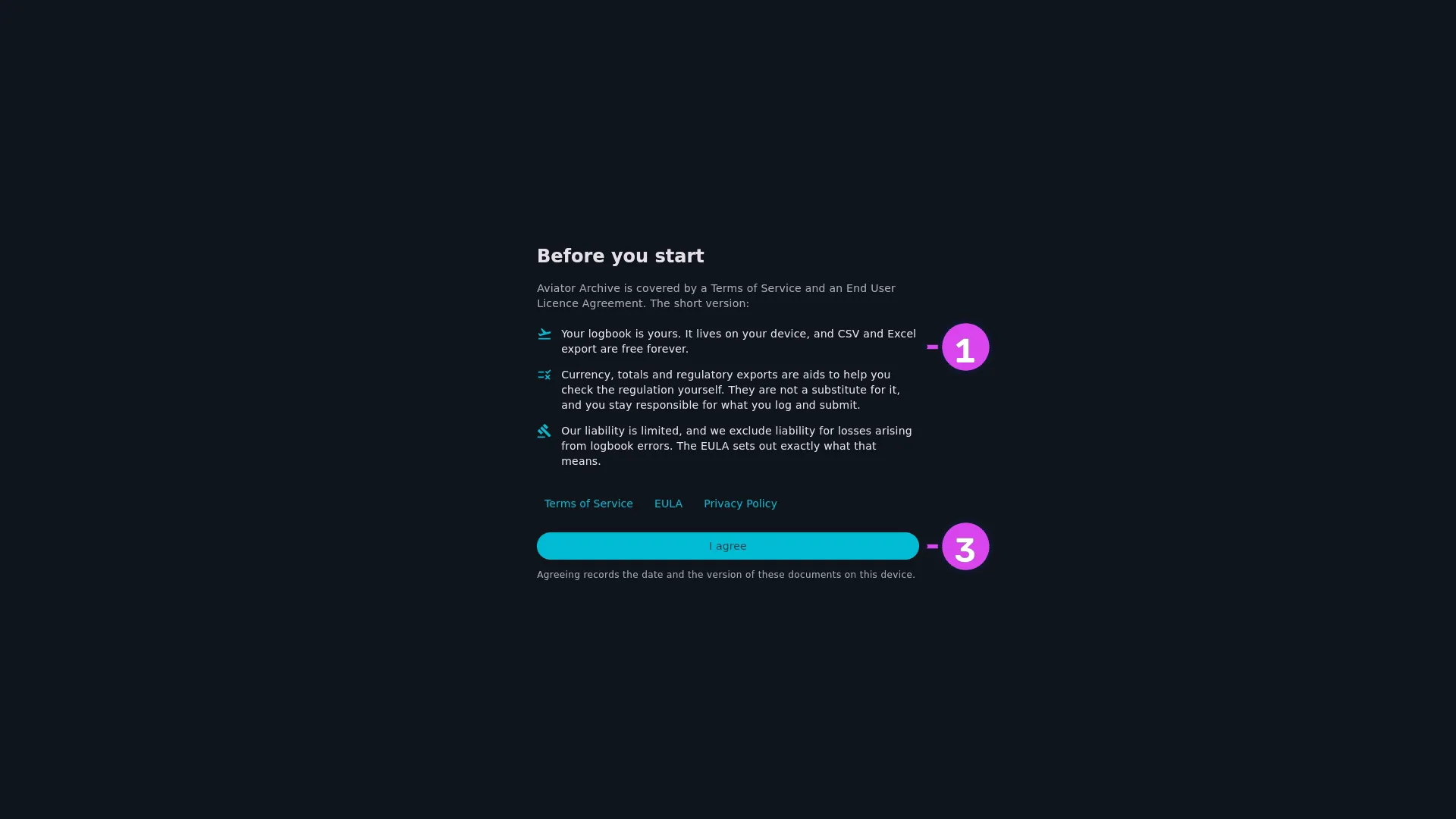
1 the three bullets3 I agree - To read any of it in full, tap Terms of Service, EULA or Privacy
Policy. It opens in your browser. Come back to the app when you’re done —
nothing is lost while you’re away.

2 Terms of Service - Tap I agree.
How to tell it worked
The profile selector appears, headed Select a profile — or your dashboard, if this device already holds a logbook. This device records the date and the version of the documents you agreed to.
If something goes wrong
| What you see | Why | What to do |
|---|---|---|
| Could not open the Terms of Service. It is at aviatorarchive.com/terms | Nothing on this device is registered to open web links | Read it in a browser at the address shown. The message names the address for each of the three |
| The back button does nothing | The only way past this screen is I agree | See below |
| The screen comes back after an update | The Terms or the EULA changed | Read what’s different and agree again. It isn’t an error, and nothing in your logbook is touched |
| The screen comes back for no visible reason | The app couldn’t read its own record of your agreement within five seconds | Agree again. If it happens on every launch, report it (→ A11) |
There’s no decline button. The agreement covers using the app at all, so if you don’t agree, the answer is to remove the app. Your data isn’t affected either way: on a new installation there isn’t any yet, and on a device that already holds a logbook, the files stay where they are.